Kaspersky Virus Removal Tool description

|

Another virus scanner and detection software from Kaspersky.

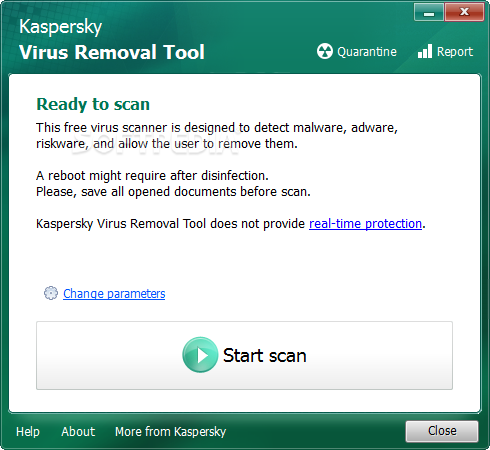
The Kaspersky Virus Removal Tool application was designed to be another virus scanner and detection software from Kaspersky. The produst will scan the specified locations for any virus threats and remove them or send to Quarantine folder.


Kaspersky Virus Removal Tool screenshot 1

Vista Codec Package description

|

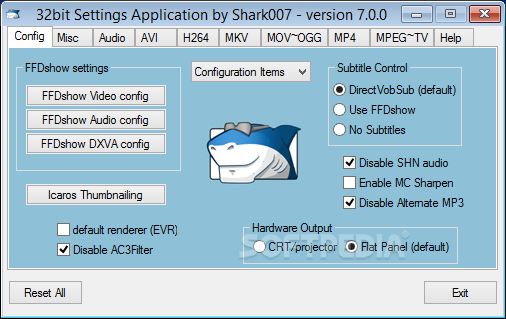
With this package installed, you shouldn't need to install any other codec or filter

Codecs have been a problem for most users at one time or another. This is because there has never been an 'out of the box' working solution that the average computer user could install and just have everything work properly from the beginning.

There are several decent codec package solutions out there, but none of them did everything I wanted. I was always in need of a tweak, adjustment, or even a re-installation just to get the codecs I needed/wanted and most of the time, the file still didn't play properly.

I've never claimed to be a media guru. My media experience prior to creating these packages was to doubleclick a file I downloaded and hope that it played. So with the help of the MSFN community, I decided to package up the bare minimum of codecs required by most computer users and share them with the rest of the world.

The installer will automatically remove most other popular codec releases from your computer before installing this concise yet comprehensive package. You won't need to make any adjustments or tweaks to enjoy your media content immediately. Windows Media Player and Vista's Media Center will instantly recognize all your files as playable.

Vista Codec Package does not contain a media player software and it will not associate filetypes. With this package installed you will be able to use any media player, limited only by the players' capabilities, to play all movies and video clips. Streaming video is supported in several formats in all popular web browsers.

Users of VCP have the ability to choose what is installed and where to install it using the public redistributable. After installation you can select to remove specific portions without removing the entire package. You can also re-add the removed items at any time.

Vista Codec Package screenshot 1

Note: Some antivirus and antispyware programs flag Vista Codec Package as being infected/malware, although the application is perfectly safe and does not pose a threat to your system. This is called a 'false positive'. The term false positive is used when antivirus software wrongly classifies an innocuous ( inoffensive ) file as a virus. The incorrect detection may be due to heuristics or to an incorrect virus signature in a database. [Similar problems can occur with antitrojan or antispyware software.]

Firefox description

|

The browser provides virus, popup and spyware protection in a simple, easy to use tabbed interface

The Firefox project (formerly Firebird, which was formerly Phoenix) is a redesign of Mozilla's browser component, written using the XUL user interface language and designed to be cross-platform.

Firefox is a small, fast and very easy to use browser that offers many advantages over other web browsers, such as the ability to block pop-up windows and the tabbed browsing.

Here are some key features of "Firefox":

· Comprehensive popup controls to keep unwanted advertising off your desktop;
· A tab browsing mode that lets you open several pages in a single window, allowing you to load links in the background without leaving the page you're on;
· Integrated search (powered by Google);
· Industry leading accessibility with Find As You Type - find links and page text by simply typing;
· Simplified privacy controls that let you cover your tracks more effectively;
· A streamlined browser window that lets you see more of the page than any other browser while at the same time being more configurable;
· A large variety of free downloadable extensions and themes that add specific functionality and visual changes to the browser.

Firefox screenshot 5

Requirements:

· Pentium 233 MHz (Recommended: Pentium 500MHz or greater)
· 64 MB RAM (Recommended: 128 MB RAM or greater)

RealPlayer description

|

The all-in-one digital media player that lets you find anything and play everything

Helix Powered RealPlayer is the all-in-one digital media player that lets you find anything and play everything.

Now it includes an option to install the Real Toolbar for Internet Explorer.

Here are some key features of "RealPlayer":

Online Radio:
· Over 3200 stations worldwide & 60 ad-free stations for endless listening.

Expanded Controls:
· Optimize sound with the 10-Band Graphic Equalizer and get the sharpest picture with advanced video controls.

Advanced CD Burning:
· Rip, mix & burn CDs like a pro - fast! Encode MP3s at up to 320kbps.

Play Everything:
· RealOne Player plays all major media formats including Quicktime MPEG-4, Windows Media, DVDs, & more.

Easy, Fun & Intuitive:
· Browse the web, organize audio & video files, create playlists, & more!
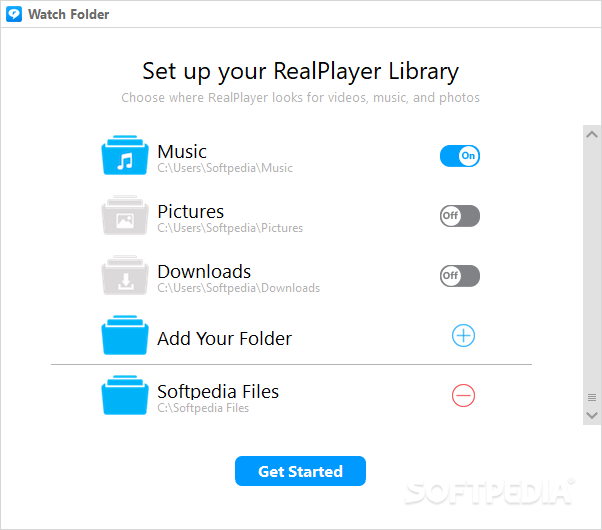
RealPlayer screenshot 1

Requirements:

· 1 GHz processor or greater (supports simultaneous record/playback features)
· 512 MB of RAM, 1 GB
· High-speed internet connection (audio/video)
· Full Duplex sound card and speakers
· CD and DVD writer (for CD and DVD writing features)
· DVD player and DVD playback software (for DVD playback)
· 4+ GB available disk space for saving media, and for creating CDs or DVDs

Limitations:

· Features not included in standard/free version :
· DVD/VCD Burning
· Toolbar Display Mode
· 10-Band Graphic Equalizer
· Extra CD Burning options such as Audio Filters and Multi-Session Burning
· Manual Media Conversion
· Print CD and DVD Jewel Case Inserts
· Print My Library
· Video Controls
· Crossfade
· Record Mic/Line In (Analog source recording)


· View, download, burn and organize internet videos with a one-click download button � from thousands of sites like YouTube, MySpace, and more. Keep the videos you want and build your own video library. Watch them when you want, online or offline, anywhere, anytime.
· Burn, transfer, and share your videos. Easily burn videos to CDs, which can be played on most DVD players. RealPlayer Plus also burns DVDs and SVCDs. Take your downloaded videos and watch them on your TV or a portable player. Share video links with friends and family by email.
· RealPlayer plays all major video formats, including Windows Media, Flash, QuickTime, RealMedia, AVI, and DivX.
· RealVideo streaming content starts up faster � less buffering.
· Improved playback quality and performance. Enhanced playback features such as full-screen with controls and resizing.
· The larger playback window provides a better viewing experience.
· The new look and feel reduces clutter and increases ease of use. The tabbed interface...

Reasons why this program is marked as ad-supported:

· ADWARE INCLUDED - you can, however, UNCHECK that ADWARE at installation: Google Toolbar
· installs Free Games & Music icon on desktop without asking
Rapidshare Auto Downloader description

|

A software for automatic download of rapidshare.com links for free users

Rapidshare Auto Downloader is a handy automatic downloader for rapidshare.com users.

Here are some key features of "Rapidshare Auto Downloader":

· Download a group of links from rapidshare (one by one).
· Download incomplete downloads until all links are downloaded.
· Autoshutdown feature
· Load and save the download list.
· Check for new versions automatically.
· Support of 3 Languages : English , Farsi , French

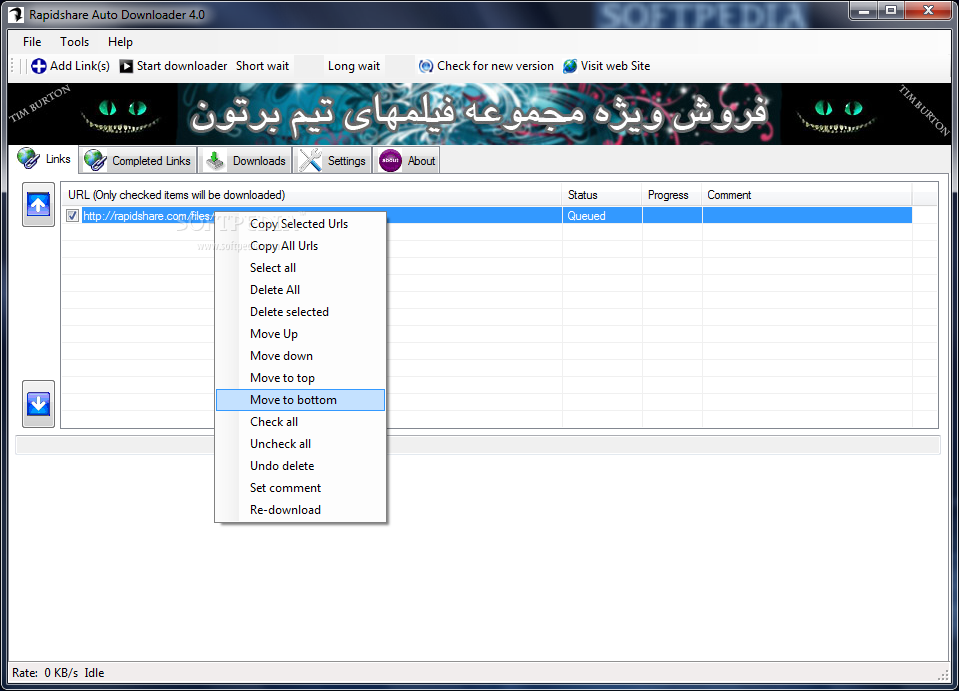
Rapidshare Auto Downloader screenshot 1


©2009 Zahid Soft's | Template Blue by TNB